
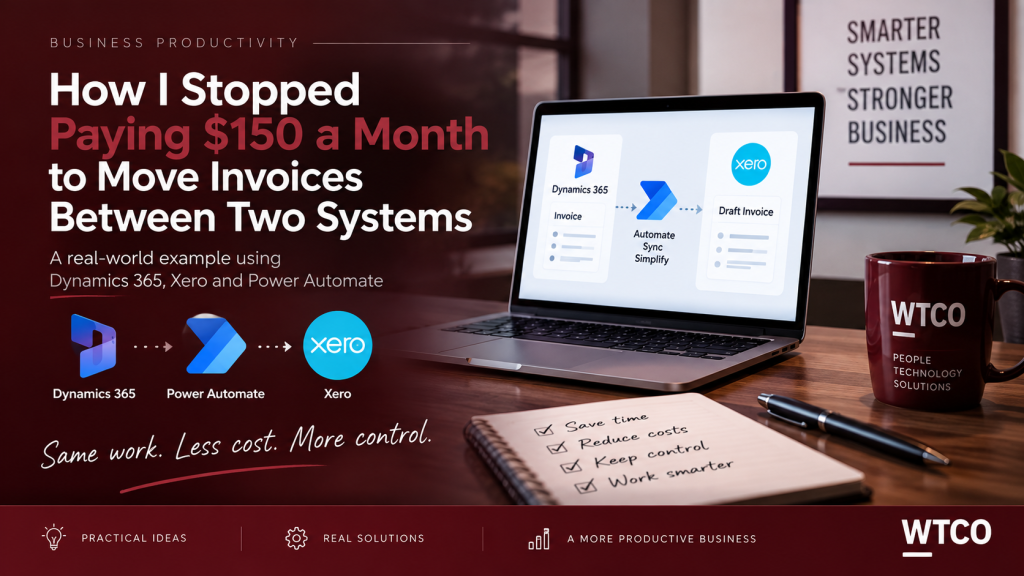
How I Stopped Paying $150 a Month to Move Invoices Between Two Systems
I recently cut around $150 a month from our software costs — and our invoices still reach the accounts exactly where they need to go. The difference is that instead of renting the connection between our systems, we built it ourselves using Microsoft Power Automate.
The problem
Our jobs run through Microsoft Dynamics 365. When a work order is completed, an invoice is raised and those invoice details then need to reach Xero, where our accounting happens.
For years we used a paid connector application to move that information between the two systems. It worked, but it cost us about $150 every month.
More importantly, it was essentially a black box. When something didn't look right, we couldn't easily see what had happened, why it happened or where the problem was.
That raised a simple question: if we already pay for Dynamics 365, Microsoft 365 and Xero, why were we paying another monthly subscription simply to move information between them?
The new link
Microsoft's Power Automate lets you create automated workflows between applications and services.
I used it to build our own connection between Dynamics 365 and Xero. Every five minutes, the automation runs through a simple process.
Look for invoices that haven't yet been sent to Xero.
Send the customer, invoice lines, amounts and GST into Xero.
Dynamics records that the invoice has been sent so it isn't duplicated.
Each transaction is logged so we can see exactly what happened.
Importantly, the invoices arrive in Xero as drafts. Automation moves the information, but it doesn't remove human control. Somebody still checks the invoice in Xero before it is approved or sent to the customer.
What exactly is Power Automate?
Power Automate is Microsoft's tool for automating repetitive processes between different systems.
The easiest way to think about it is as a digital staff member following a set of instructions:
“When this happens, do this next.”
It can move data, create tasks, send notifications, trigger approvals, update customer records and help keep information consistent across different systems.
Products and prices follow too
The old connector didn't just move invoices. It also helped keep our product information consistent between Dynamics and Xero.
So the replacement needed to handle that as well.
When we add a product in Dynamics or change a price, the Power Automate workflow can create or update the corresponding item in Xero.
That means the correct item code can follow through onto the invoice line, making reporting cleaner and reducing the amount of manual data entry.
It didn't work perfectly the first time
Building our own automation wasn't a straight line.
One of the first versions managed to send the same invoice into Xero several times.
The problem was simple once we found it: the automation wasn't recording that it had already completed the job.
We fixed that by adding a sync status in Dynamics. Once an invoice has successfully reached Xero, Dynamics marks it as synced. The automation then ignores it on the next run.
Building the new workflow also uncovered another issue: around half of our products had never made it into Xero. Rebuilding the process gave us an opportunity to clean that data up as well.
The result
The biggest benefit isn't simply saving $150 a month. We now understand the process and have control over it.
If something goes wrong, we can see it. If our process changes, we can change the automation. And if we want to extend it later, the foundation is already there.
The bigger lesson
The lesson for us wasn't simply that Power Automate saved $150 a month.
A lot of small businesses are paying separate software subscriptions to bridge gaps between systems they already own.
Sometimes those specialist connectors are absolutely worthwhile. But other times the job is simply moving information from System A to System B based on a predictable set of rules.
In those situations, it's worth asking whether the connection can be built rather than rented.
Automation doesn't have to mean removing people
One of the misconceptions around automation is that everything needs to happen without human involvement.
That's not how we've approached it.
The repetitive work happens automatically. The important decisions stay with people.
Power Automate moves the invoice into Xero. A person still checks and approves it.
That's where automation delivers real value: removing repetitive administration while keeping oversight where it matters.
Could one of your monthly software costs be automated?
If you're paying every month just to move information between systems you already use, it may be worth looking at whether the process can be simplified or automated.
At WTCO we're increasingly looking at communications, systems and automation together — because better technology should ultimately make a business easier to run.
Talk to WTCO →Struggling with Poor Communication Systems?

Claim Your FREE 30-Minute Business Communications Strategy Session
(Valued at $880)!
Discover how to boost productivity and get great value—without the sales jargon or years of trial and error. Limited spots available!