How a Tradie Could Use Mobile Apps & Automation to Get Back on the Tools — and Off the Phone
Your phone should help run your business — not interrupt every job. Here’s how a smarter phone system can keep customers looked after while you stay focused on the work.
If you run a trade business, you probably didn’t go into it to spend your day answering calls and managing bookings.
But for many sole traders and small teams, the phone rings constantly — even when you’re halfway through a job, up a ladder, driving between sites or trying to enjoy your evening.
That’s where a smarter phone setup can make a massive difference.
The Scenario: One Number, Smart Handling
Imagine you’re a local plumber, builder or sparky. You advertise your business number across your ute, website, Facebook page, Google listing and job directories.
Customers already know that number — so you don’t want to change it. Instead of every call relying on one person answering one mobile phone, the number can sit behind a proper business phone system.
Your Main Business Number Routes the Calls
Your customers call the number they already know, while Advanced PBX handles what happens behind the scenes.
- Ring your mobile app, office, another team member or several people at once.
- Automatically move unanswered calls to someone else.
- Use professional business-hours and after-hours call handling.
Keep Your Existing Mobile Number — and Upgrade Everything Behind It
For many tradies, the mobile number is the business number.
It may have been the same number for years. It’s on the ute, website, invoices, signage, Google and already stored in hundreds of customers’ phones.
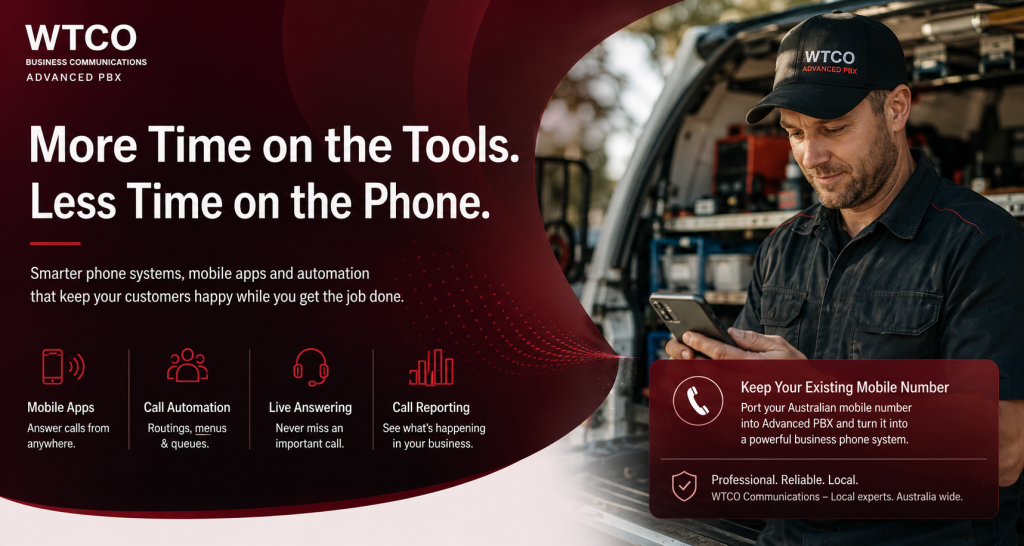
That’s now changed. WTCO can now port an existing Australian mobile number into Advanced PBX.
Your customers keep calling exactly the same number — but instead of that number being tied to one handset, it becomes the front door to a complete professional phone system.
- Ring the Advanced PBX mobile app
- Ring a desk phone or office reception
- Ring several team members
- Go into a hunt group or call queue
- Follow business-hours and after-hours rules
- Use voicemail-to-email
- Be recorded and included in call reporting
Imagine this on a job site
You’re halfway through an installation and your business mobile number rings. Instead of stopping work every time, Advanced PBX can handle that call based on how you want your business to operate.
The customer still calls your familiar number. Behind the scenes, you’ve gone from one mobile phone to a complete business communications platform.
Missed or After-Hours Calls Can Go to a Live Answering Team
You don’t need to personally answer every call. Unanswered calls can overflow to another team member or a live answering service, helping customers get a professional response while you keep working.
Automated Messages & Call Flows
Press 1 for quotes
Press 2 to reschedule an existing job
Press 3 for urgent or emergency work
Why Leave Your Business Trapped on One Mobile Phone?
The problem isn’t customers calling your mobile number. The problem is when that number can only ring one mobile phone.
With mobile number porting into Advanced PBX, you can keep the number customers already know while adding professional call handling, multiple users, apps, reporting and automation behind it.
A Better Setup = More Time, Better Service
- Keep your existing business mobile number.
- Answer from the mobile app when you want to.
- Let other people answer when you’re unavailable.
- Give customers professional business-hours and after-hours handling.
- See what’s actually happening with your incoming calls.
- Spend more time on the tools instead of managing the phone.
Keep the Number. Upgrade the Business Behind It.
If your mobile number has become the main number for your business, you shouldn’t have to throw it away simply because your business has grown.
WTCO can help design the call flow, port eligible mobile numbers, configure Advanced PBX, set up mobile apps, business hours, call recording, reporting and overflow.
Want to See How This Could Work for Your Business?
Talk to WTCO and we’ll map out a practical phone setup around your existing number, mobile apps, call flows, after-hours handling and reporting.
Call 1300 765 985 Mobile Number PortingStruggling with Poor Communication Systems?

Claim Your FREE 30-Minute Business Communications Strategy Session
(Valued at $880)!
Discover how to boost productivity and get great value—without the sales jargon or years of trial and error. Limited spots available!