
Remote work didn’t create the “always on” problem. It simply exposed a flaw that’s been sitting quietly in small businesses for years.
Most businesses didn’t decide to blur work and personal life. It happened accidentally — one forwarded call here, one “just use your mobile” there, one customer saving a number — and before long, the phone system stopped behaving like a system at all.
It became personal. And that’s where the trouble starts.
The real issue: phone systems behaving like personal mobiles
When a business phone setup starts acting like a personal mobile, everything becomes reactive. Customers call whenever they want. Staff answer when they can. “Quick questions” land at the worst possible times — during family time, weekends, or when someone is already overloaded.
At first, it feels like good service. Responsive. Flexible. Helpful. Over time, it creates constant interruptions, unclear responsibility, invisible missed calls, and staff who feel like they can never fully switch off.
This isn’t a people problem. It’s a design problem.
Personal mobiles are convenient — until they aren’t
Personal mobiles feel like the easiest solution. No setup. No rules. No friction. Until the cracks start to show.
- Customers save personal numbers and bypass the main business line
- Calls bleed into nights, weekends, and leave days
- There’s no visibility on who’s available
- Missed calls go untracked and unowned
- Staff feel pressure to answer because it’s their phone
The business quietly becomes dependent on individuals instead of systems — which is risky for service quality, staff wellbeing, and growth.
Boundaries are a feature, not a personality trait
Many business owners try to fix this by telling staff to “set boundaries”. That rarely works.
Boundaries don’t stick when the system actively works against them. A proper business phone app should build boundaries into the design.
What “good” looks like with Advanced PBX
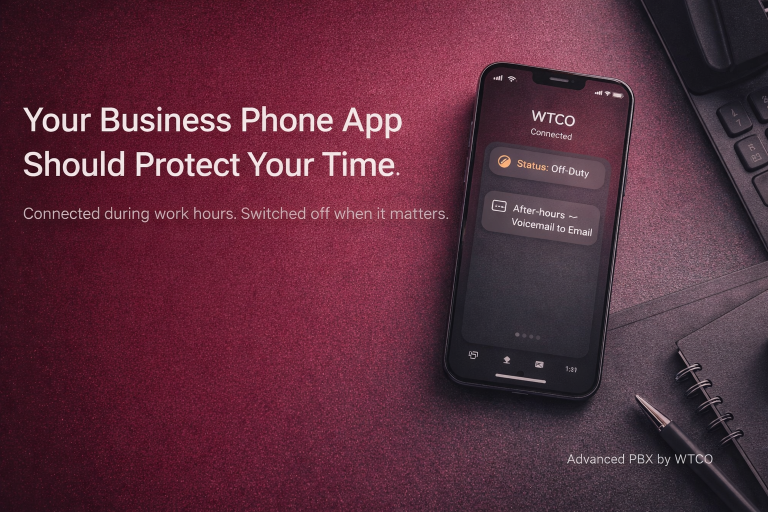
When Advanced PBX is configured properly, the mobile app isn’t a shortcut around the phone system. It’s an extension of it — and that distinction matters.
Business numbers stay business numbers. Customers call the business, not a person.
Business hours are enforced automatically. After-hours follows a defined, predictable path.
Availability is visible. Teams can see who’s available before transferring calls.
After-hours is intentional. On-call rules, escalation paths, and voicemail-to-email are designed, not accidental.
Customers get clarity. Staff get certainty. The business runs properly.
“But what if we miss calls?”
This is the most common concern — and it’s understandable. But relying on personal mobiles doesn’t prevent missed calls. It just hides them.
With Advanced PBX, calls don’t depend on one person being free. They can route to hunt groups, queues, shared voicemail, or backup destinations.
A quick reality check
- Do customers call the business or individual staff mobiles?
- Can staff genuinely switch off?
- Is after-hours designed — or accidental?
- Can the team see who’s available?
- If one person is away, does the business still run smoothly?
The takeaway: A business phone app should give you flexibility — not obligation. Advanced PBX lets your team work from anywhere while keeping clear boundaries around when work actually happens.
Struggling with Poor Communication Systems?

Claim Your FREE 30-Minute Business Communications Strategy Session
(Valued at $880)!
Discover how to boost productivity and get great value—without the sales jargon or years of trial and error. Limited spots available!