
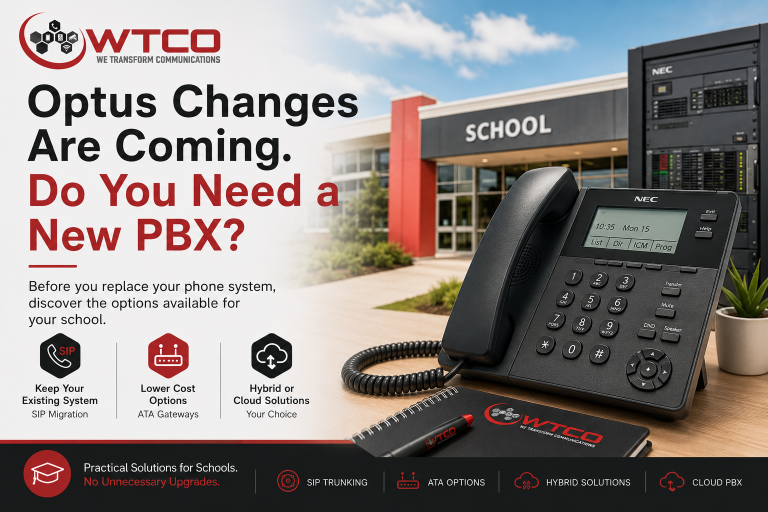

School Phone Systems and the Optus Changes: Do You Really Need a New PBX?
Before replacing your entire NEC phone system, it is worth checking whether your school can migrate using SIP trunks, an ATA gateway, or a hybrid cloud PBX approach.
Many schools across Australia are currently reviewing their phone systems due to upcoming carrier changes, including the retirement of some legacy Optus voice services.
The first question we hear is: “Do we need to replace our entire phone system?”
The answer is often no. In many cases, schools can continue using all or part of their existing NEC phone system, reducing costs and avoiding unnecessary disruption to staff and students.
Can We Keep Our Existing NEC Phone System?
| What You Have Today | Likely Outcome | WTCO Recommendation |
|---|---|---|
| NEC SV9100 or SL2100 with SIP capability | Excellent | Direct SIP migration |
| NEC SV8100 with SIP licences | Excellent | Direct SIP migration |
| NEC SL1100 with SIP licences | Excellent | Direct SIP migration |
| NEC system using IP handsets and network cabling | Good | Further assessment required |
| NEC system using digital handsets but otherwise working well | Possible | Grandstream ATA gateway or hybrid solution |
| NEC system mainly used for classroom intercoms | Possible | Retain NEC internally and migrate administration to cloud |
| Older NEC system with no SIP capability | Possible | ATA gateway or staged migration |
| End-of-life system with hardware faults | Poor | Full cloud PBX upgrade recommended |
| School wants mobile apps, reporting and flexible work options | Limited on legacy systems | Advanced PBX upgrade recommended |
A Quick Self-Assessment for School Staff
1. Check the phone connections
Look behind a typical desk phone. If you see a network cable plugged into the phone, there is a good chance the system already supports IP communications.
- Large network connector, similar to a computer network cable
- Network cable running from the wall to the phone
- A second network cable running from the phone to a computer
2. Check if the computer connects through the phone
Many schools are wired like this: Network Socket → Phone → Computer. If your computer plugs into the phone, this is another strong indicator that you have an IP-based phone system.
3. Locate the PBX model
Ask your IT department or look in the communications cabinet for labels such as NEC SV8100, SV9100, SL1100 or SL2100. Take a photo of any labels you find.
4. Check your current provider
A recent bill may reference Optus Evolve, Optus DirectLine, SIP trunk services, Telstra SIP or another voice service. This helps determine the urgency and migration path.
Direct SIP Trunk Migration
If your NEC phone system already supports SIP trunks and has available licensing, WTCO can often replace the carrier service while keeping your existing NEC platform.
Grandstream ATA Gateway
Some older NEC systems cannot directly connect to modern SIP services. In these situations, a Grandstream ATA gateway may allow the school to continue using the existing PBX.
This can be a practical transition path for budget-conscious schools, schools planning future upgrades, or sites where the current phone system still operates reliably.
Hybrid School Solution
This is becoming one of the most popular approaches for schools. Many schools use their phone system for far more than answering external calls.
The existing NEC platform may support classroom phones, staffroom phones, maintenance phones, bell systems, paging systems and internal intercom communications.
Administration moves to cloud PBX
Reception and administration staff receive modern call handling, mobile applications, voicemail to email, reporting and better flexibility.
Existing NEC remains for internal use
The NEC system can continue supporting internal extensions, classroom communications, staff facilities, maintenance teams, bell and paging functions.
Full Cloud PBX Upgrade
A complete upgrade may be the best option when the NEC system is approaching end-of-life, additional licensing costs become excessive, hardware reliability is declining, or the school wants modern communications capabilities.
Before You Approve a Replacement
One of the biggest mistakes schools make is assuming that carrier changes automatically require a complete PBX replacement.
Some schools only need a carrier migration. Others can use an ATA gateway. Some benefit from a hybrid solution. Others are ready for a full cloud upgrade.
The right answer depends on the equipment already installed and the school's future requirements. A simple assessment can often identify options that save thousands of dollars while preserving the functionality staff rely on every day.
Book a School Phone System Assessment
Before committing to a replacement project, let WTCO review your current system and provide practical advice on the available migration paths.
Book Your AssessmentWTCO – Local advice. Practical solutions. No unnecessary upgrades.
Struggling with Poor Communication Systems?

Claim Your FREE 30-Minute Business Communications Strategy Session
(Valued at $880)!
Discover how to boost productivity and get great value—without the sales jargon or years of trial and error. Limited spots available!